


Blog - Apps & Websites
- Brooke
- May 25, 2019
- 3 min read
Updated: May 26, 2019

When it comes to both blogging and using Instagram there are a few different apps and websites that I use and I find are important when it comes to posting content both on this blog and my instagram. I thought I would share with you these apps and websites as I think they're worth checking out. (re-write)
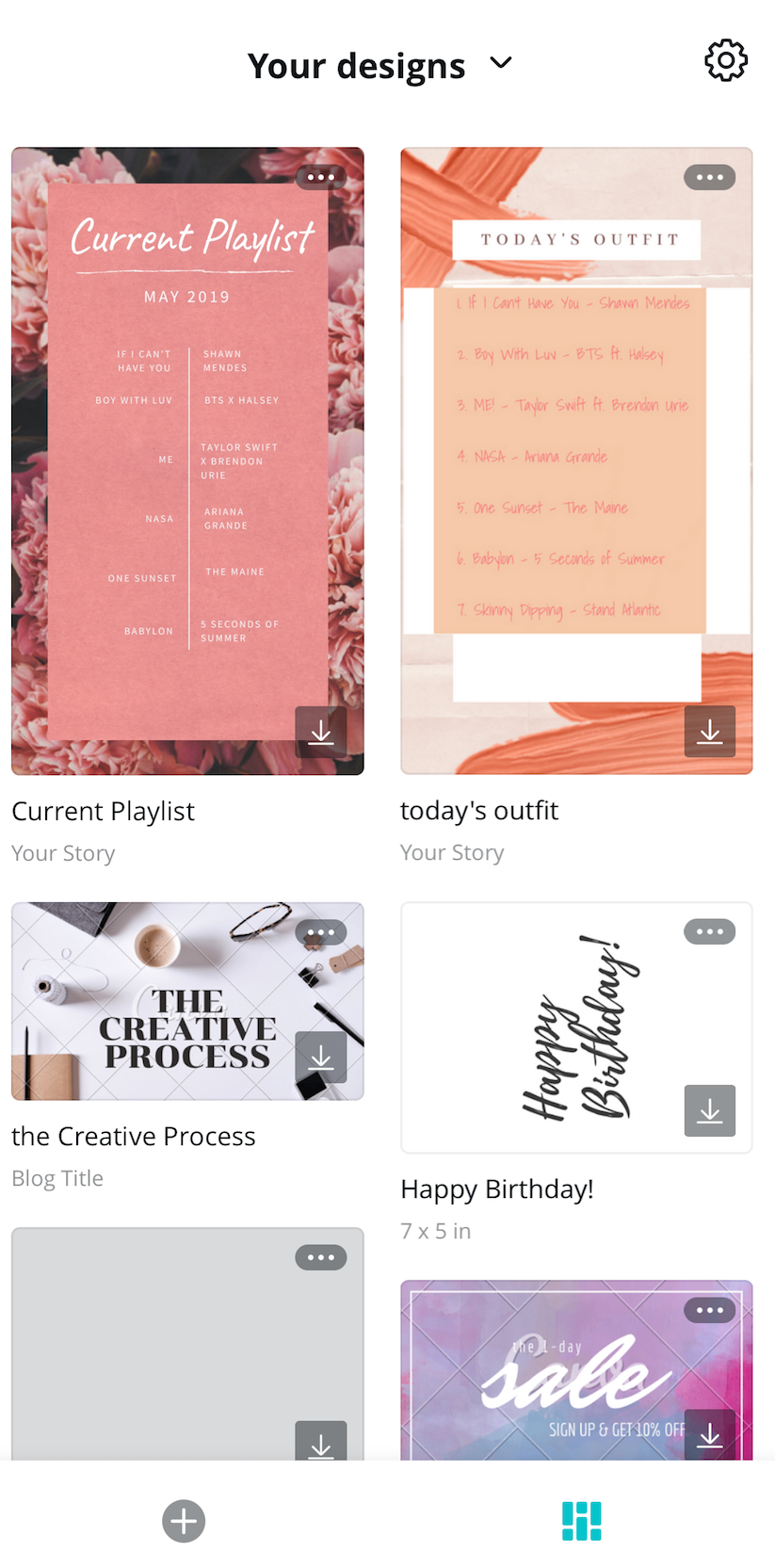
I'm going to start it off with one of my favourite apps/websites for blogging and that is Canva. This is where you will find all kinds of templates for things like instagram stories, business cards and so much more. I find myself using this for two main reasons. I used to use it to make the display pictures for blog posts. I'd take any template that was of a landscape position and edit it for a blog post. More recently I've been getting a lot of use out of it for the Instagram stories which I always make for blog posts. One thing I should point out is that Canva is a free service with a paid option. There are a lot of templates that aren't free and you either pay for them or pay for a subscription. I find I do fine with just the free templates, but one day would consider getting the subscription. (write more?)

Keeping on with the theme of templates I find myself using Picmonkey a lot. It's another great website for either using templates or editing things together from scratch. I know of a few Youtubers who use it for their thumbnails and that's where I go the idea to check it out from and have been loving it ever since. I find it to be really great for blogging and the display pictures for my posts. That's where I get the most use out of it. I will say that it's not so easy to use free. I have to screenshot my work as it doesn't let you download it unless you have a subscription but it still works out.

Lastly for the templates there's an app called Unfold which is great. Perfect for instagram stories. I love it for those times where I want to have more of a white more basic instagram story. You can add pictures and colour in to the templates as well to make them look even better. Again it's another app where not everything is free, but definitely worth checking out.

When it comes to the actual blog posts. The written work Hemingway Editor is a great website. It has really helped me when it comes to improving the written side of blog posts. All you have to do is paste your work on the website and it will tell you things about if you have hard or very hard sentences to read, adverbs, passive voice and phrases that could be simplified. Your then able to change these things which makes for an easier to read blog post that looks just that little bit better.

Finishing this all off with my favourite photo editing app, Snapseed. When it comes to editing my posts for Instagram this app does it all for me. I find I use it the most to whiten the background of my images and to give them a border which helps make my instagram feed look neater. There's so many things you can do with this app. There's so many other great things that can be done using this app. I don't always find a need for them. But they do come in handy every now of then.
There you have it. Some of my favourite apps and websites for when it comes to all things blogging and posting on Instagram. I'd love to know what you use to help with your blogs or instas.
Until next time...
Brooke


Comments